Creative & Design

Design with consistency using a creative AI workspace

Keep design tokens, UX voice, and critique standards in one place for layouts, microcopy, and structured design feedback.

Free · no credit card · about 2 minutes

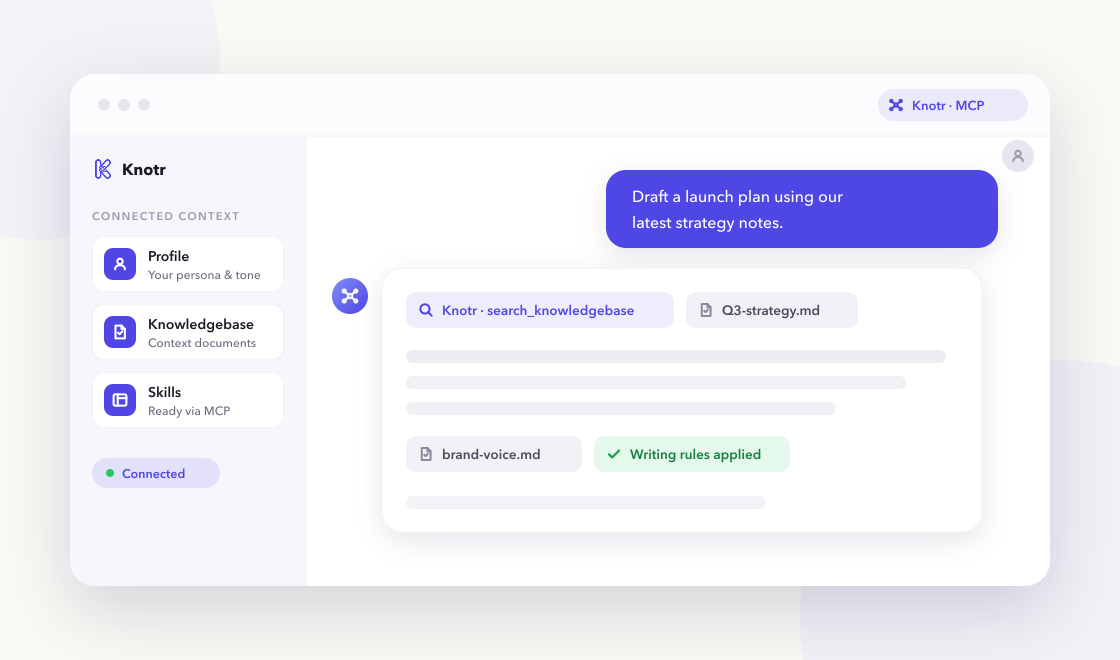
A chat-based AI assistant referencing Knotr profile, knowledgebase, and skills over MCP

Why it helps

Design and frontend work repeats tokens, voice, and critique criteria in every session. Knotr stores that context so AI output matches your system and accessibility expectations.

  • Get Tailwind layout suggestions aligned to your design system

  • Write UX microcopy for buttons, errors, and empty states

  • Run heuristic-based design critiques anchored to goals

Skills ready on day one

3 vetted skills with 66 community additions linked to your profile as soon as you apply the pack.

Call these from your AI tools right away.

Buttons, errors, empty states, and onboarding hints.

Writes UX microcopy for buttons, errors, empty states, and onboarding—clear, concise, and actionable without leaking technical internals to users.

ux copy microcopy
By @knotr_catalog · Creative & Design 22 additions

Responsive layout suggestions using Tailwind CSS v4 utilities.

Recommends responsive Tailwind CSS v4 layouts using flex, grid, and container queries— consistent with design tokens and dark mode patterns.

tailwind css layout
By @knotr_catalog · Creative & Design 26 additions

Structured feedback on UI mockups against heuristics and goals.

Facilitates design critiques against stated goals and Nielsen heuristics—separating preference from usability issues and suggesting testable improvements.

design critique ui
By @knotr_catalog · Creative & Design 18 additions

Context your AI can search

Editable starter notes in "Design Context" so answers reflect how your team works:

  • Design System & Tokens
  • UX Voice & Microcopy Patterns
  • Critique Standards & Accessibility

Ideas to supplement later

  • Design system or token documentation
  • Component library links (Figma, Storybook)
  • Brand voice for product UI
  • Accessibility requirements (WCAG level)
  • Recent critique notes or patterns to avoid

Writing that stays on-brand

"Design & UX Writing". Interface copy and critique notes with user-first clarity.

On eligible accounts, lint drafts from any connected AI tool with MCP check_style so PR descriptions, docs, and updates match your standards. Free accounts include one bootstrap style guide.

  • Buttons use action verbs naming the outcome
  • Errors explain what happened and the next step
  • Separate usability issues from personal preference in critiques

Common questions

Is Knotr free to start?
Yes. Sign up free with no credit card. Starter packs apply in about two minutes.
Do I need to code?
No. You can edit knowledgebase notes in the browser and connect Cursor, Claude, ChatGPT, or Gemini when you are ready.
How is my data handled?
Your context stays in your workspace. See our Privacy Policy and Terms of Service for details.
Which AI tools work with Knotr?
Any MCP-compatible client, including Cursor, Claude Code, Claude Cowork, ChatGPT, and Gemini. Connect from your profile's integration tab after signup.

Ready to get started?

Sign up free, confirm your starter pack, and start working with role-ready context in a few clicks.

Free · no credit card · about 2 minutes